How to Create a Waiting List for Your Therapy Practice

My clients call this, “a rich man’s problem”. It’s when you’re in such a demand, that you have to apologize for not having enough hours in your workweek to book new clients.
That being said, it doesn’t stay this way forever. You don’t want to flat out reject new business. You want to keep ongoing demand on a slow burner so you never run out of paid clients.
When your practice fills up, you start hearing from inquirers you can’t see right away. Without a system, you write their names in a notebook and tell yourself you’ll reach out when something opens. Six weeks later, an evening slot frees up. You go back to the notebook. There are eleven names there, half without phone numbers, none with notes about whether they wanted in-person, a phone call or an online video session. You don’t remember most of them. The slot goes to whoever inquired most recently.
That’s random and unprofessional. The effort and money you spent on building your reputation and earning the trust of people who refer clients to you, are being defaulted by happenstance.
A working waiting list captures three pieces of information at the moment of intake.
1. Exactly: How long the inquirer is willing to wait.
“Up to two months.”
“Indefinitely.”
“Need someone in three weeks.”
The answer sets the expectation between you and tells you whether to even add them. If they need someone in two weeks and your next likely opening is twelve weeks out, you can say so up front and refer them on.
2. The therapeutic format they want.
- Video, in-person, or either.
When the next opening turns out to be a Wednesday at 10am video slot, you don’t waste a contact reaching out to someone who needed in-person evenings.
3. The time window they need.
Evenings only.
Tuesday and Thursday afternoons.
Mornings before the school run.
Most clients have a real constraint here, and capturing it at intake means matching is mechanical rather than guesswork.
Now comes the return on investment of using a system: When a slot opens, all you do is scan the list.
The first person whose format and window match the opening gets a call, a text message or a short email.
“An evening Tuesday slot just opened. Are you still looking? Please let me know in the next 4 hours or so.”
If she confirms within forty hours, the slot is hers. If she doesn’t reply, you move to the next match.
The list also needs a removal rule.
After three weeks of no contact from you, or no reply to the last contact, send one final message or email.
“Just checking, are you still looking? If I don’t hear back in a week, I’ll take the name off the list.” Most don’t reply. The list stays at twelve real candidates instead of forty hypothetical ones.
Let my-cbt keep future clients engaged
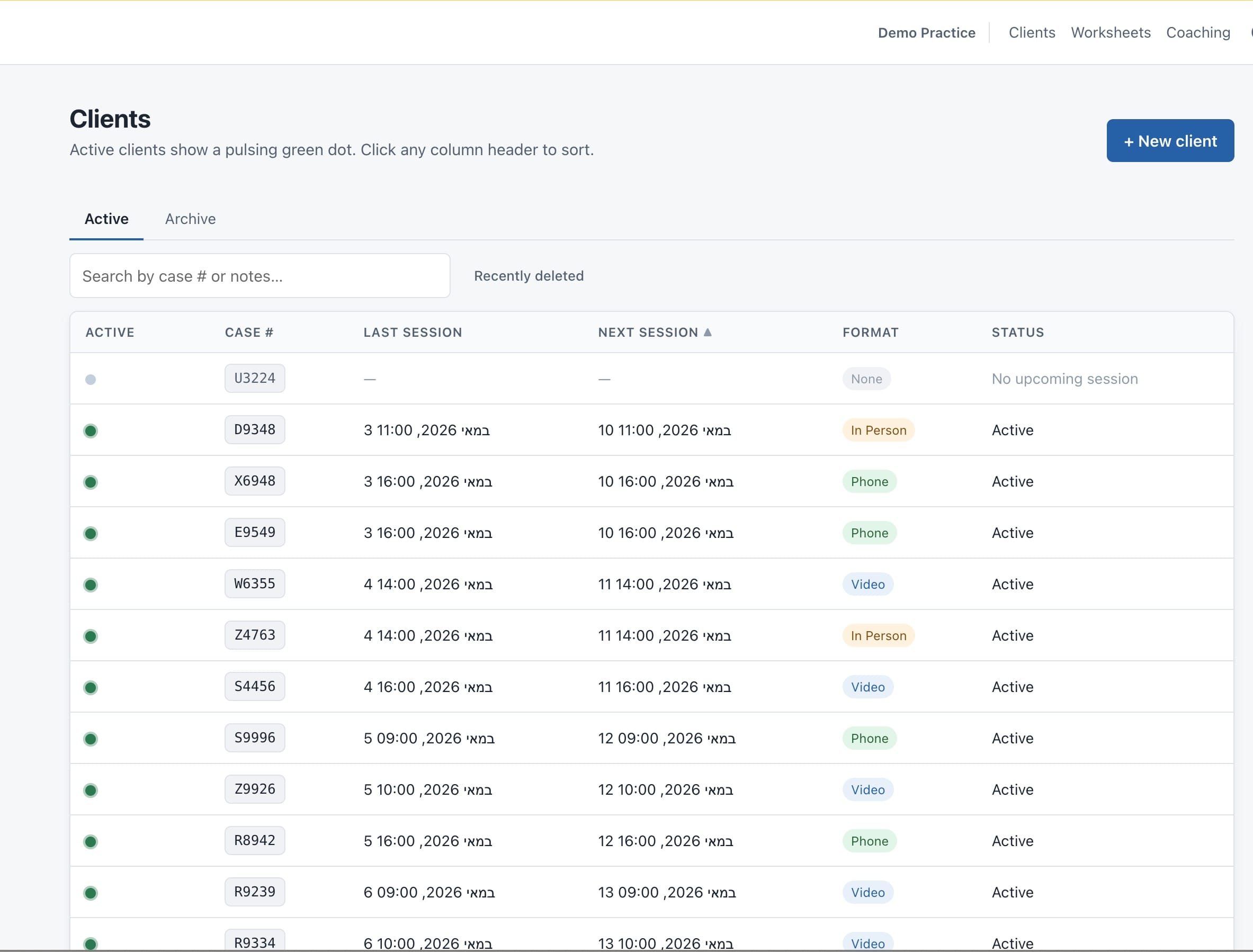
In my-CBT, you can keep potential clients interested and even committed to future sessions by simply creating a case file for them and instructing them to log in to the client portal and begin filling out the Thought Records. You can even send them a customized intake form. This shows potential clients that you care about their well-being and are willing to invest in them before charging them. What they don’t realize is that adding them to your case files costs nothing and only takes 20 seconds on your end.